Linux编译安装PBC
开学网络安全实验课程的老师要教椭圆曲线,首先就是配置PBC库,Linux作为我的主系统,必须是要配上的。
Ubuntu系统下PBC库的安装
0.编译前环境安装
sudo apt-get install m4
sudo apt-get install flex
sudo apt-get install bison
sudo apt-get install make
1.下载gmp和pbc并解压源码
pbc是依赖于gmp的,所以需要先安装gmp
下载gmp源码
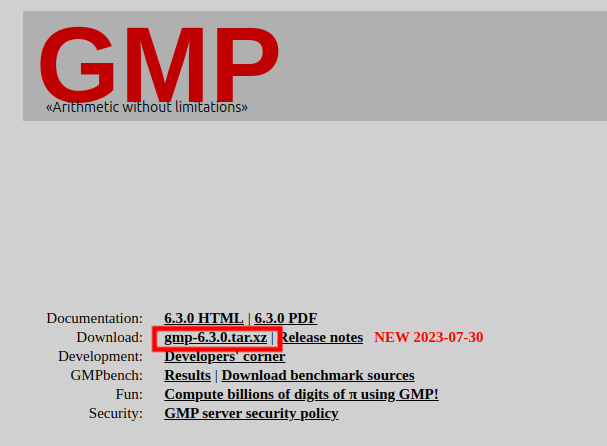
wget https://gmplib.org/download/gmp/gmp-6.3.0.tar.xz
下载gmp-6.3.0.tar.xz,并解压
tar -xf gmp-6.3.0.tar.xz
下载pbc源码wget https://crypto.stanford.edu/pbc/files/pbc-0.5.14.tar.gz
https://crypto.stanford.edu/pbc/download.html
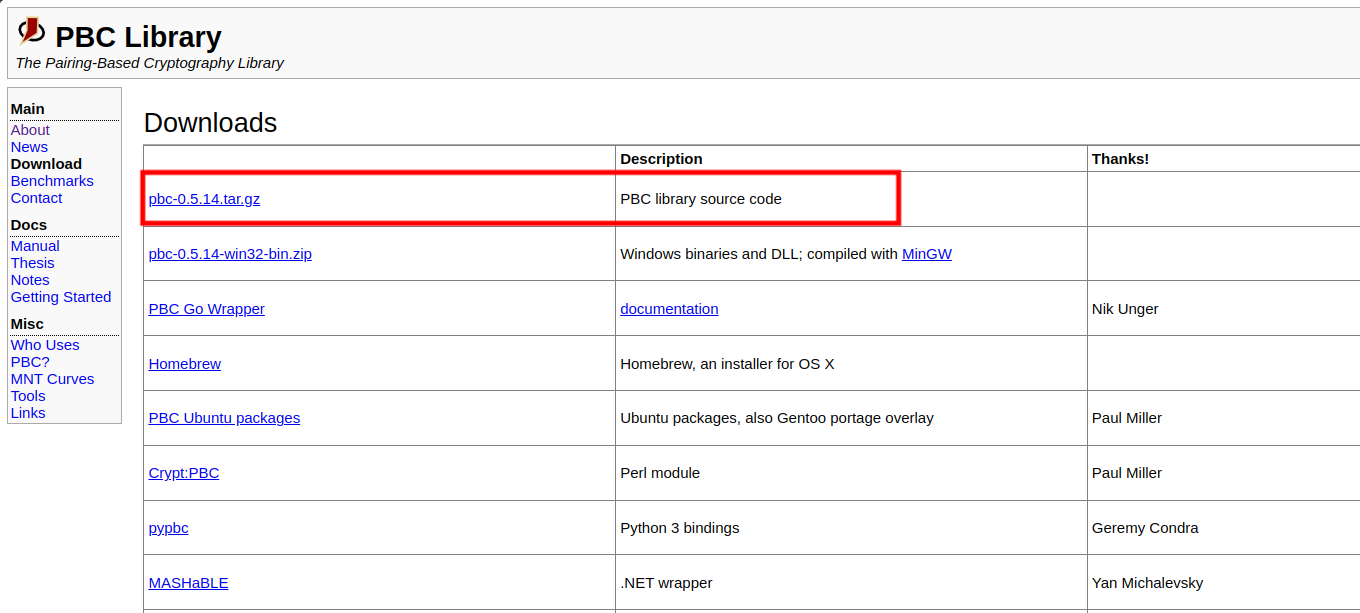
继续解压
tar -zxvf pbc-0.5.14.tar.gz

2.编译安装gmp
!!!可能会遇到gmp编译失败的问题,如果实在无法编译可以使用
sudo apt install libgmp-dev来安装gmp,然后直接跳过这一步去编译安装PBC
依次执行列面的命令,如果没有出现error代表安装成功
cd gmp-6.3.0
./configure
make
sudo make install
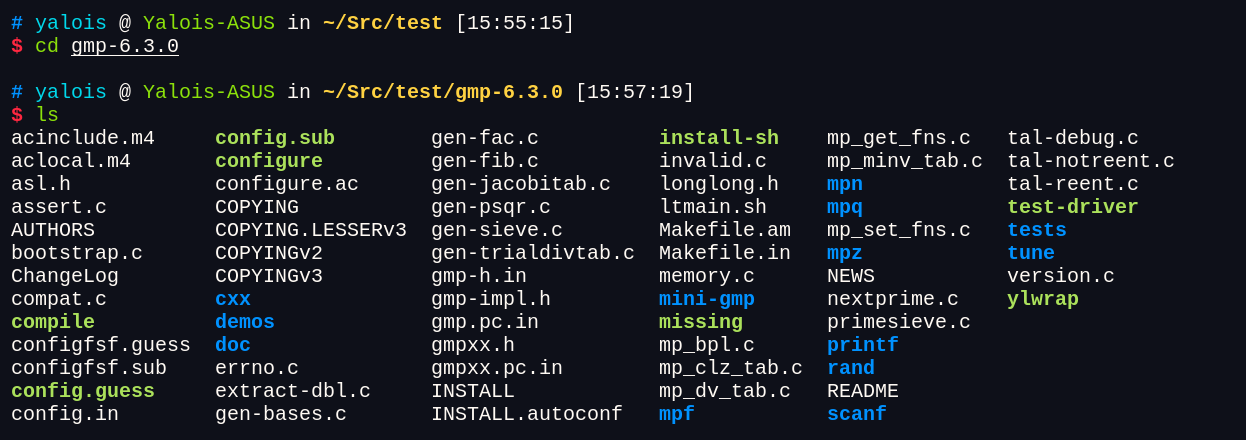
./configure最终结果如下
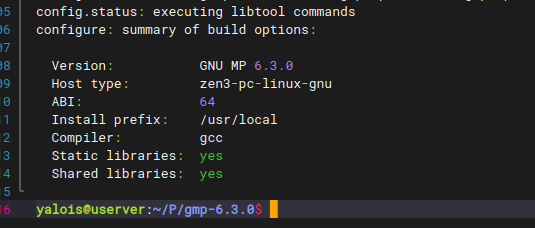
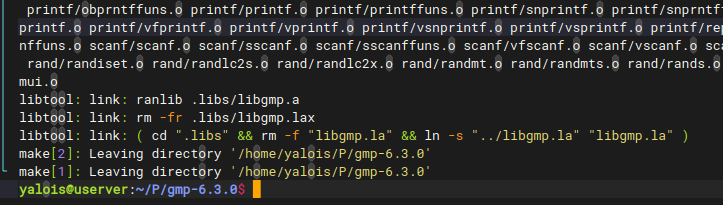
make最终结果如下
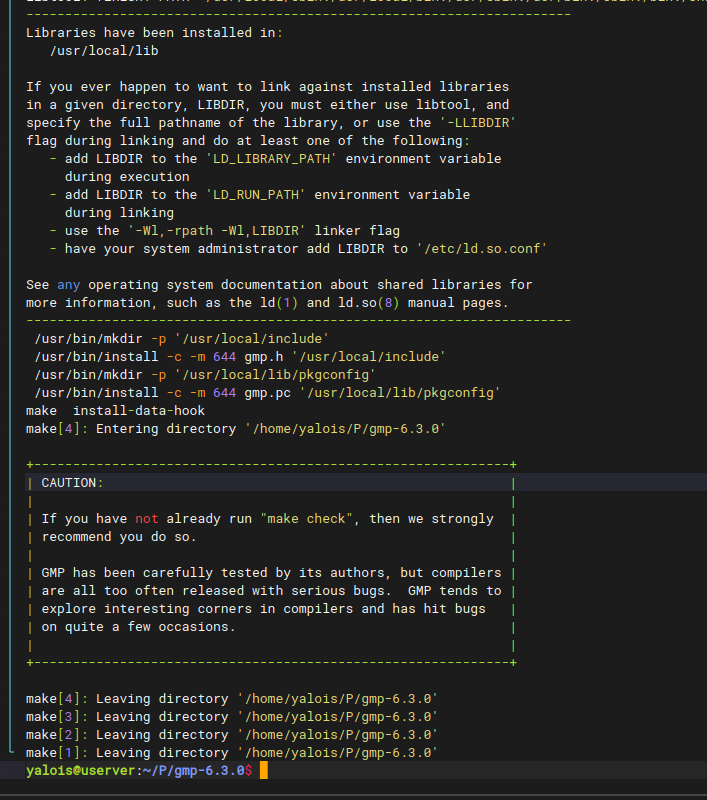
sudo make install最终结果如下
3.编译安装PBC
cd ..
cd pbc-0.5.14
./configure
make
sudo make install
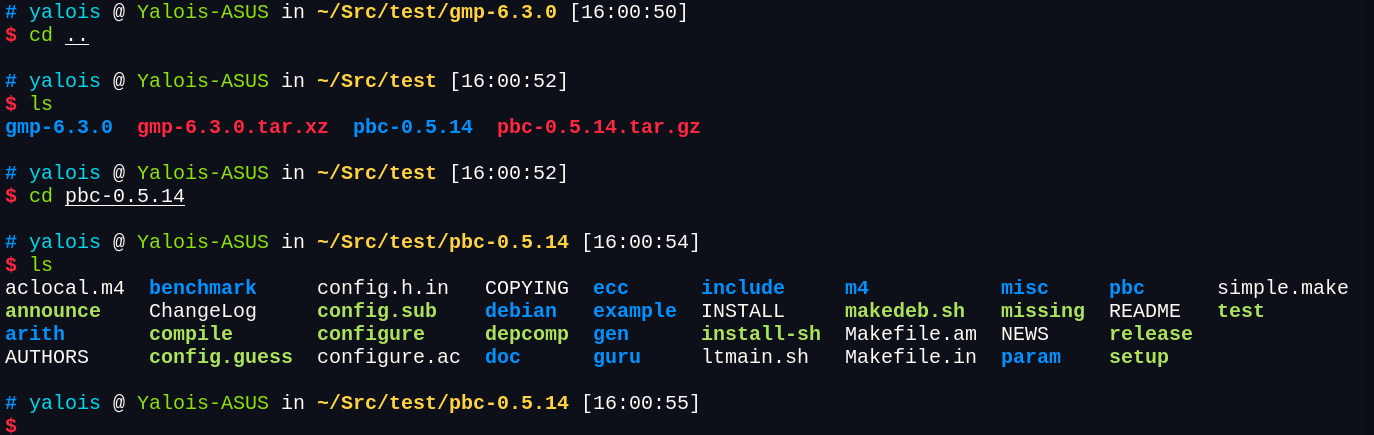
./configure结果如下
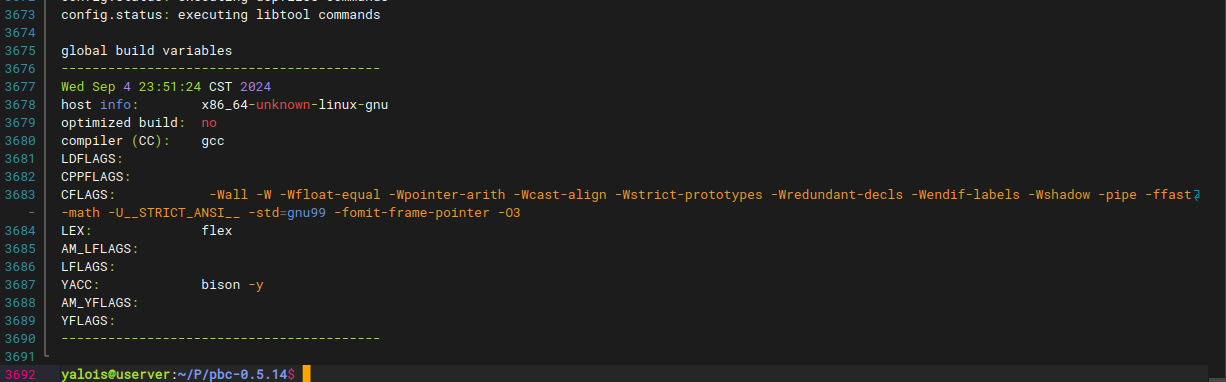
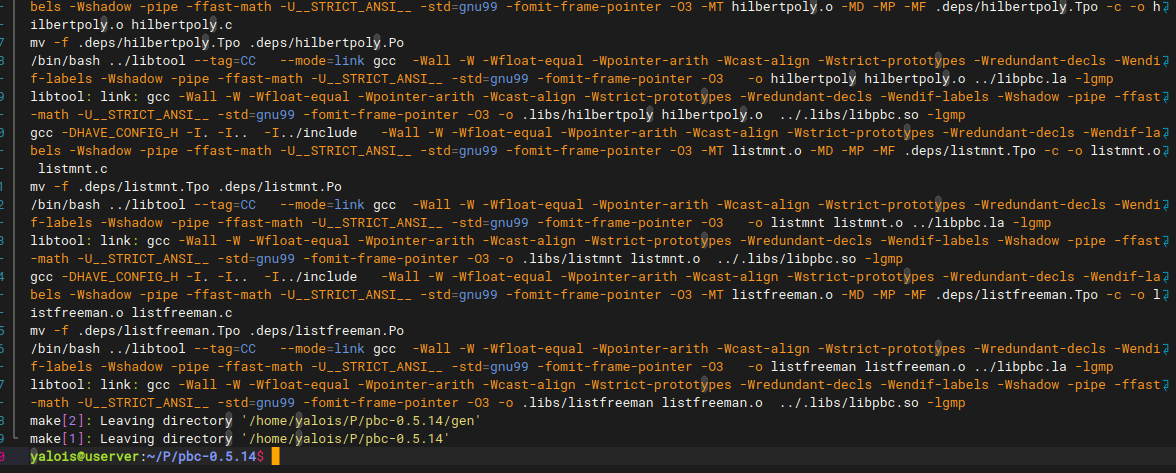
make结果如下
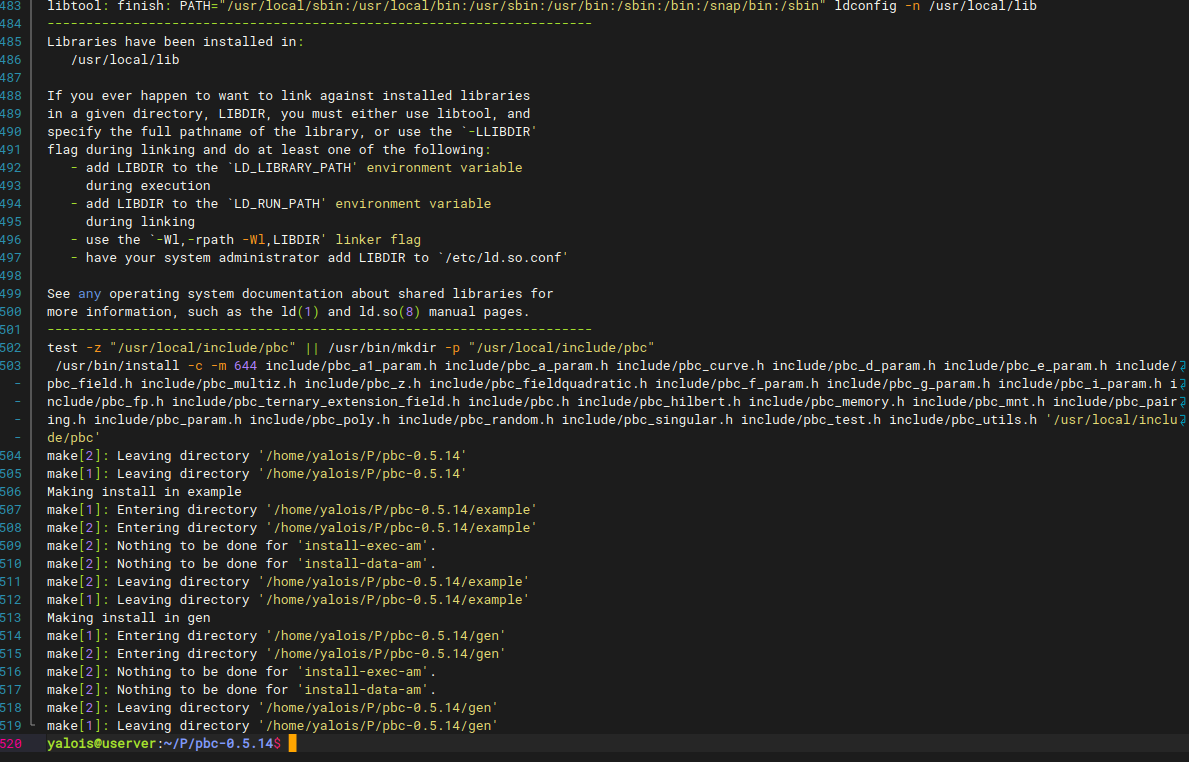
sudo make install的结果
4.gcc编译代码测试
写入下面的代码到test.c
测试代码由GPT4o提供。
#include <stdio.h>
#include <string.h>
#include <pbc/pbc.h>

int main() {
    // 初始化 PBC 参数
    pairing_t pairing;
    const char *params = "type a\n"
                         "q 109\n"
                         "r 101\n"
                         "h 1\n"        // 添加 h 参数
                         "exp1 1\n"     // 添加 exp1 参数
                         "exp2 1\n"     // 添加 exp2 参数
                         "sign0 1\n"    // 添加 sign0 参数
                         "sign1 1\n";   // 添加 sign1 参数
    pairing_init_set_buf(pairing, params, strlen(params));

    // 生成密钥对
    element_t g, sk, pk;
    element_init_G1(g, pairing);
    element_init_Zr(sk, pairing);
    element_init_G1(pk, pairing);

    // 生成生成元 g
    element_random(g);
    // 随机选择私钥 sk
    element_random(sk);
    // 计算公钥 pk = g^sk
    element_pow_zn(pk, g, sk);

    // 打印公钥和私钥
    printf("Public Key (pk): ");
    element_printf("%B\n", pk);
    printf("Secret Key (sk): ");
    element_printf("%B\n", sk);

    // 验证:pk 应该等于 g^sk
    element_t pk_verify;
    element_init_G1(pk_verify, pairing);
    element_pow_zn(pk_verify, g, sk);

    if (element_cmp(pk, pk_verify) == 0) {
        printf("Verification successful: pk == g^sk\n");
    } else {
        printf("Verification failed: pk != g^sk\n");
    }

    // 清理
    element_clear(g);
    element_clear(sk);
    element_clear(pk);
    element_clear(pk_verify);
    pairing_clear(pairing);

    return 0;
}
在test.c同目录下使用gcc编译
gcc test.c -I/usr/local/include -L/usr/local/lib -lpbc -lgmp
运行a.out
如果显示下面内容则代表正常运行。

5.额外问题
问题1:编译完之后运行程序报错
./a.out: error while loading shared libraries: libpbc.so.1: cannot open shared object file: No such file or directory
执行下面命令之后再运行
export LD_LIBRARY_PATH=/usr/local/lib:$LD_LIBRARY_PATH
评论区
评论加载中...